AI Purchase Order Intake and Catalog Matching in TechFoundry IMS
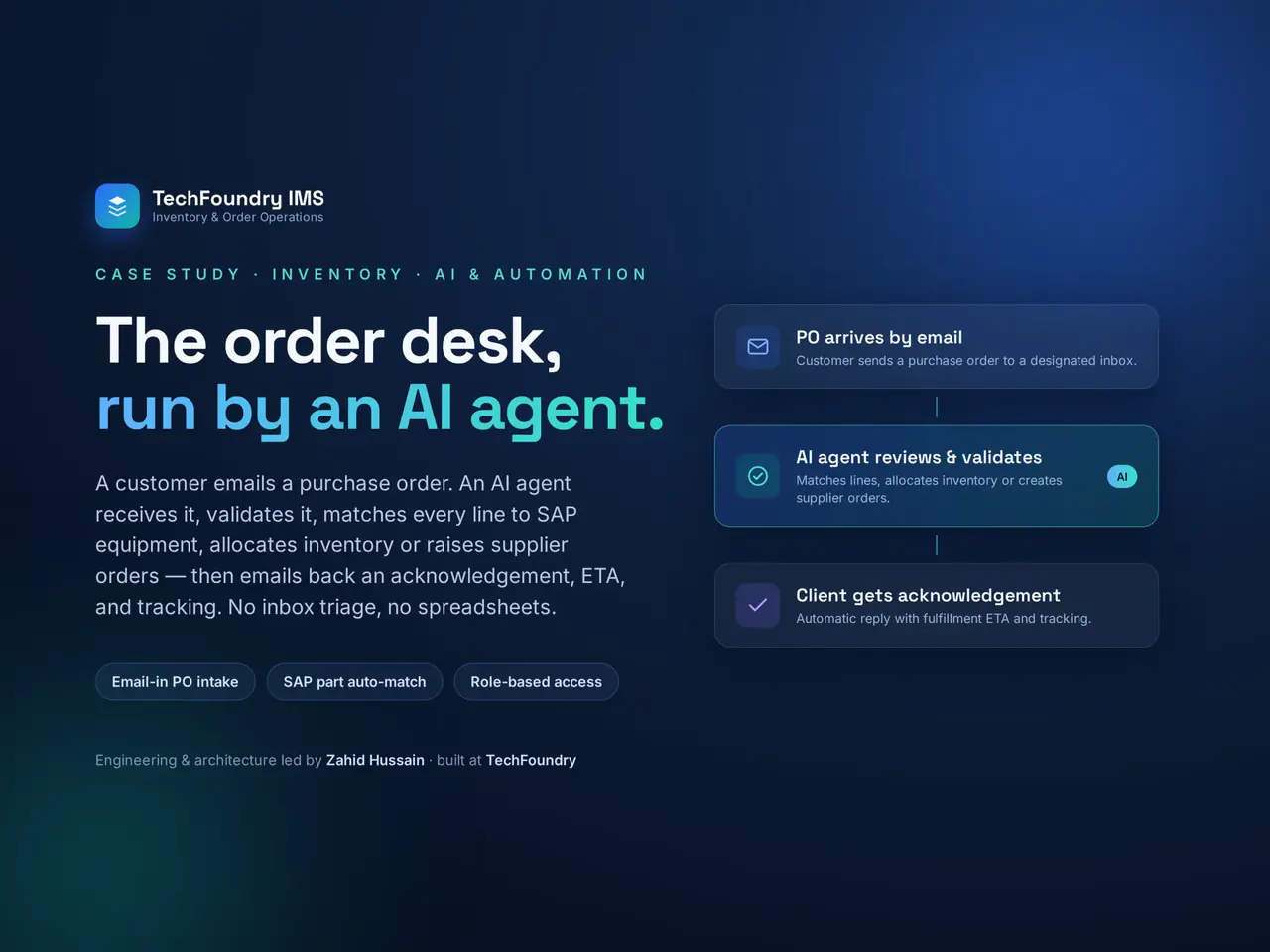
A purchase order arrives by email. The next job is usually familiar: open the PDF, read each line, find the matching catalog items, check availability, create a record and tell everyone what happened.
Our latest TechFoundry IMS demonstration follows that intake process in 38 seconds. The agent registers the purchase order, checks stock, notifies the team and sends an acknowledgment to the client without anyone retyping the order. The timing describes this recorded demonstration, not a guaranteed processing time for every purchase order.
Watch the purchase order intake demo
Watch the 38 second demonstration on YouTube.
From an email attachment to a registered order
The intake agent connects the incoming document to the operational record. In the demonstrated workflow:
- An email arrives from an approved sender. Access to the intake process is restricted to the senders allowed to use it.
- The agent reads the PDF line by line. It extracts the order information from the attachment.
- Each line is matched to the catalog. The text in the document is resolved against the items the business actually manages.
- The purchase order is registered. The record includes a status timeline, and stock availability is checked.
- The team and client are notified. The client receives an acknowledgment containing the same order lines.
This connects intake, registration and communication in one flow. Staff can work from the recorded order instead of copying the same information between an inbox and the inventory system.
Catalog matching is where the real work sits
Reading a PDF is only one part of the problem. The wording and part references in an incoming document may differ from the catalog’s own identifiers. A line that looks clear to the person who sent it still has to resolve to the correct item inside the receiving system.
As we described in the original Contra post, matching took more work than reading. Extracted text becomes operationally useful only when it can be connected to the right catalog record.
For a team planning a similar workflow, catalog quality and real incoming documents are useful starting points. Review the descriptions and identifiers that customers actually send. Define how an unresolved or ambiguous line should be handled before treating an extracted value as a confirmed match.
Checking stock is different from changing stock
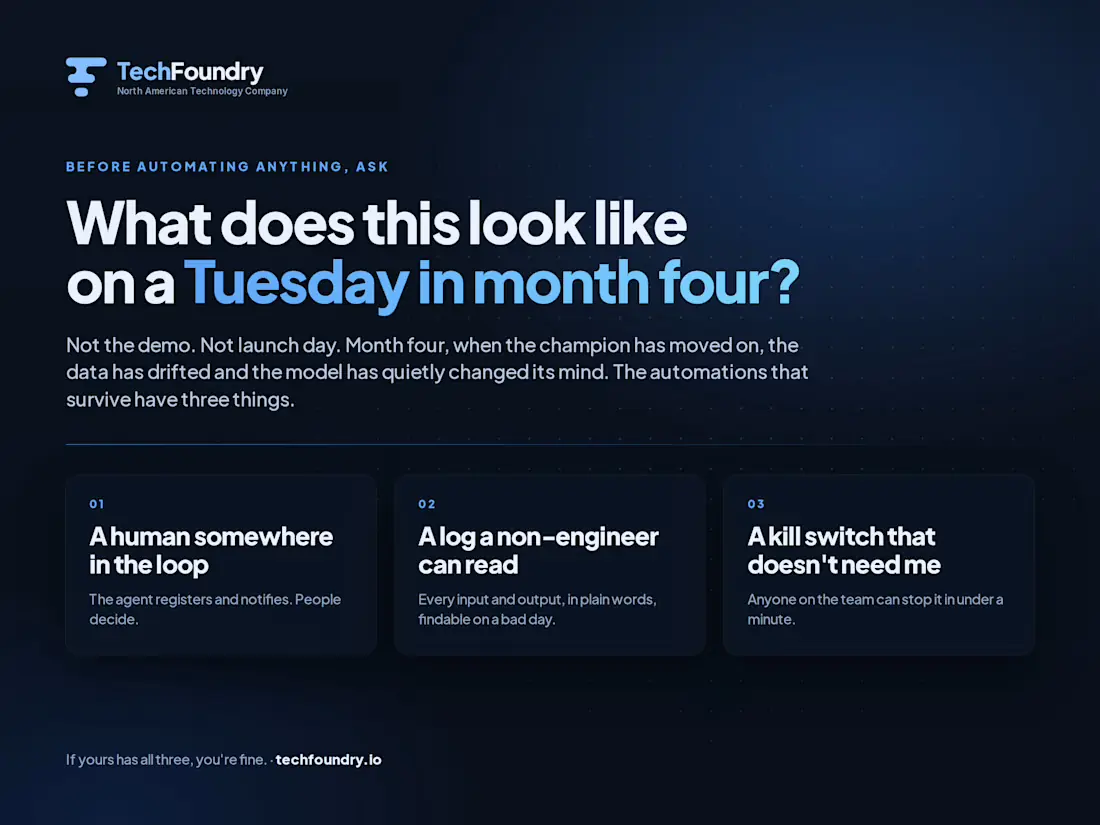
The boundary in this intake workflow is explicit: the agent does not change stock levels. It registers the purchase order and sends notifications. People make the operational decisions.
Checking availability gives the team context. It does not mean the intake agent has permission to allocate inventory, dispatch goods or change quantities. This demonstration covers purchase order intake and acknowledgment, not autonomous fulfillment.
That division of responsibility lets the system handle repeated administrative steps while keeping control of inventory with the people responsible for it.
Controls that make the workflow usable
Two details matter alongside document reading and matching. Only approved senders can enter the intake flow, and every incoming and outgoing email is logged.
Those records help the team trace an order back to its source and see which acknowledgment was sent. The status timeline provides a shared view of the registered order’s progress.
The practical objective is a process operators can understand and follow: a known sender, a source document, matched order lines, a registered record and visible communication.
Start with the purchase orders already in your inbox
If your team still keys purchase orders in by hand, start with examples of the documents you receive and the catalog they need to match. Map the current intake steps, decide which systems need the resulting record and define where human decisions must remain.
See the broader TechFoundry IMS case study for the inventory and order operations platform. For a closer look at approval boundaries, read when an AI agent should pause for human review.
Ready to connect your inbox to an operational workflow? Start a project with TechFoundry and tell us how purchase orders arrive, where they need to go and what your team must control.
Put the idea to work
Have a workflow ready for AI or software?
Show us the process, the systems it touches and the decisions people need to keep. We will help define a useful first release.


Join the conversation
Comments are reviewed before they appear. Your email address will not be published.