SFP Port Basics: Types, Speeds & Compatibility Guide
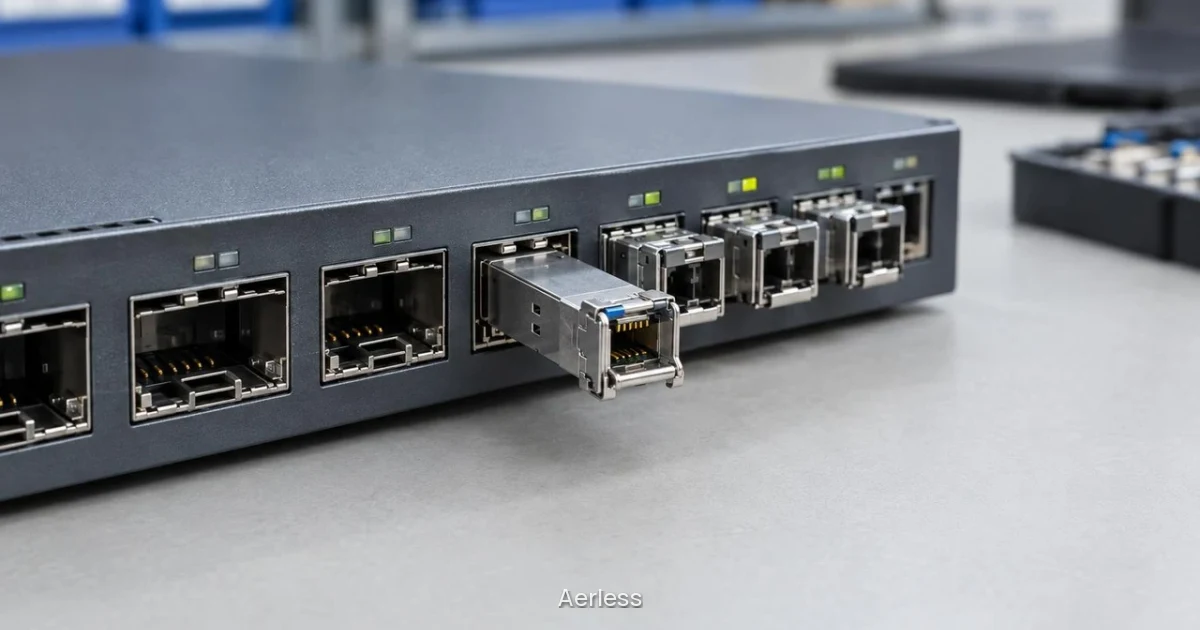
An SFP port is a hot-swappable socket on a switch or router that accepts a removable optical or copper transceiver. The port defines the physical interface and electrical signaling; the transceiver you install determines the fiber type, wavelength, reach and protocol support. Choosing the right module requires matching the port family (SFP, SFP+, SFP28, QSFP28 or QSFP-DD), the host equipment’s compatibility list, and the installed fiber or cable plant.
What is an SFP port?
SFP stands for Small Form Factor Pluggable. The port is a standardized socket that provides power, clock and data signals to a removable transceiver module. You can swap modules without powering down the switch, which makes it practical to change fiber types, add links or replace a failed module during a maintenance window.
The port itself does not determine the fiber type or distance. That work is done by the transceiver: a 1G SFP module might present an RJ45 copper interface for 100 m over Cat 5e, or a duplex LC fiber interface for 550 m over multimode fiber. The switch firmware checks the module’s identification data and enables the port if the module is on the compatibility list.
SFP ports are common on enterprise access switches, aggregation switches, routers and media converters. Higher-speed variants, SFP+, SFP28, QSFP28, use the same hot-swap principle but different form factors and signaling rates. For a detailed introduction to the port families and their applications, see Understanding SFP Ports and Their Types.
SFP port families by speed and form factor
Each SFP family is defined by its maximum signaling rate and physical size. The table below shows the common families, typical speeds and where they are deployed.
Port family | Typical speed | Form factor | Common application |
|---|---|---|---|
SFP | 1G | Single-lane, duplex LC or RJ45 | Enterprise access switches, media converters |
SFP+ | 10G | Single-lane, duplex LC | Aggregation switches, storage networks |
SFP28 | 25G | Single-lane, duplex LC | Data center leaf switches, 5G fronthaul |
QSFP+ | 40G | Four-lane, MPO or 4 × LC breakout | Data center spine, legacy 40G uplinks |
QSFP28 | 100G | Four-lane, MPO or 4 × LC breakout | Data center spine-leaf, metro aggregation |
QSFP56 | 200G | Four-lane, MPO | High-density data center, AI clusters |
QSFP-DD | 400G / 800G | Eight-lane, MPO | Hyperscale data center, carrier core |
Most SFP28 ports accept 10G SFP+ and 1G SFP modules at reduced speed, and most SFP+ ports accept 1G SFP modules. QSFP28 ports often support breakout mode, splitting one 100G port into four independent 25G links. Always check the switch datasheet and compatibility matrix to confirm which modules and speeds are supported.
How SFP transceivers differ: fiber type, wavelength and reach
Multimode modules use 850 nm vertical-cavity surface-emitting lasers (VCSELs) and connect to multimode fiber with a 50 µm or 62.5 µm core. They are designed for short distances: a 10G SFP+ SR module reaches 400 m on OM4 fiber, 300 m on OM3 and 82 m on OM2. Multimode fiber and modules cost less than single-mode equivalents, making them the standard choice for intra-building and campus links.
Single-mode modules use distributed feedback (DFB) lasers at 1310 nm or 1550 nm and connect to single-mode fiber with a 9 µm core. A 10G SFP+ LR module reaches 10 km on OS2 fiber; an ER module can reach 40 km or more. Single-mode fiber has lower attenuation and supports much longer distances, so it is used for metro, campus backbone and carrier networks.
Reach also depends on fiber grade. OM3 fiber supports 10G SR to 300 m; OM4 extends that to 400 m. For 25G links, OM4 is required to reach 300 m with an eSR module. Single-mode fiber is typically OS2, which supports 10 km, 40 km, 80 km or longer depending on the module’s transmit power and receiver sensitivity. Always match the module specification to the installed fiber type and grade.
Aerless supplies both multimode and single-mode modules across 1G, 10G, 25G and 100G families. For example, the SFP28-25G-eSR-IT reaches 300 m on OM4 multimode fiber, while the SFP28-25G-LR-IT reaches 10 km on single-mode fiber.
Compatibility: why the module must match the switch
Most enterprise and telecom switches check the module’s EEPROM for vendor identification, part number and capability flags. If the module is not on the approved list, the switch may disable the port, log an error or refuse to bring the link up. This coding system protects the switch from out-of-spec modules and ensures the vendor has tested the module with that platform.
Third-party module suppliers program the EEPROM to match the target switch. Aerless modules are coded for the buyer’s switch model and software version before ordering, so the module is recognized when installed. You provide the switch make, model and software version when requesting a quote; Aerless confirms the coding and lead time before the order is placed.
Compatibility also depends on the switch’s software version. A module that works with one firmware release may not be recognized by an older or newer release. If you plan a software upgrade, confirm that the modules will remain supported. Aerless verifies coding against the software version you specify, reducing the risk of a compatibility surprise after installation.
Common SFP port use cases
Enterprise access switches use 1G SFP ports for fiber uplinks and server connections. The SFP-1G-SX-IT connects to multimode fiber for 550 m links within a building or campus; the SFP-1G-T-IT presents an RJ45 interface for 100 m copper links.
Aggregation and core switches use 10G SFP+ ports to connect access switches and storage arrays. The SFP+-10G-SR-IT reaches 400 m on OM4 fiber; the SFP+-10G-LR-IT reaches 10 km on single-mode fiber for building-to-building links.
Data center leaf switches use 25G SFP28 ports for server connections and 100G QSFP28 uplinks to spine switches. The SFP28-25G-eSR-IT connects servers over 300 m of OM4 fiber; the QSFP28-100G-SR4-IT connects to spine switches over 100 m of OM4 fiber using an MPO cable.
Telecom cell site routers use 25G SFP28 ports for fronthaul and midhaul links to radio units and aggregation sites. The modules must support CPRI option 10 and eCPRI protocols in addition to 25G Ethernet. Aerless 25G SFP28 modules support all three protocols and are coded for the specific router model.
Industrial temperature SFP modules for outdoor and harsh environments
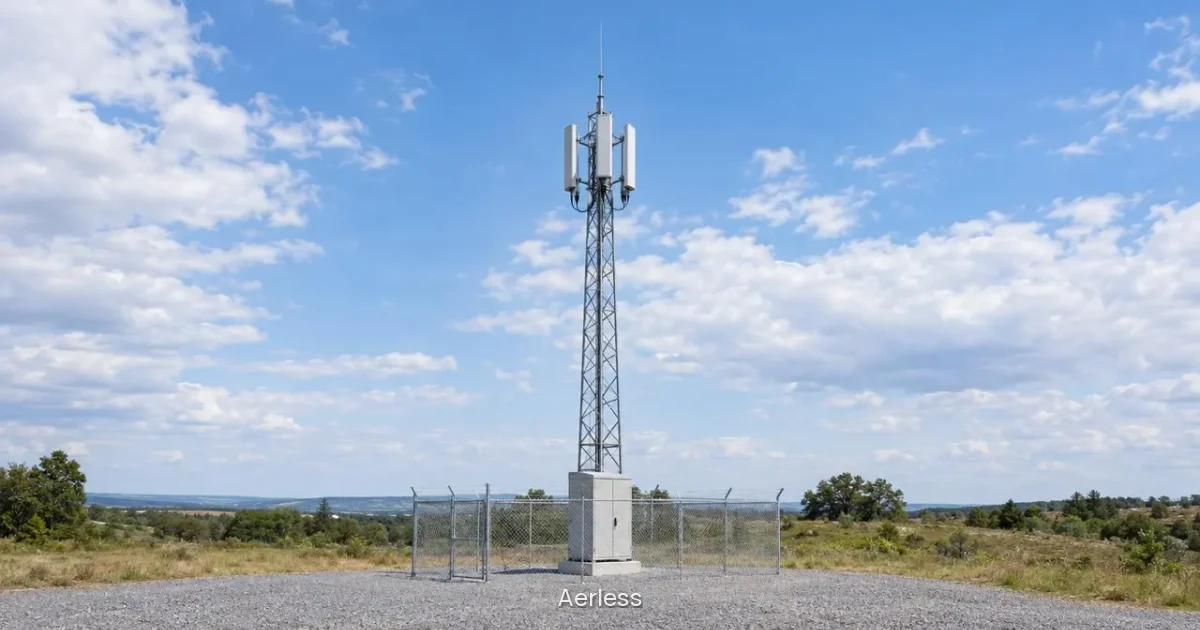
Commercial-grade modules are rated for a case operating temperature of 0°C to +70°C. They are designed for climate-controlled equipment rooms and will report errors or fail if the temperature falls below 0°C or rises above 70°C. Outdoor cabinets, rooftop installations, utility substations and traffic control boxes often exceed this range.
Industrial-grade modules are rated for −40°C to +85°C. They use components and assembly processes that tolerate thermal cycling, condensation and extended high-temperature operation. Aerless supplies industrial-rated modules across 1G, 10G, 25G and 100G families for outdoor cell sites, utility SCADA networks, transportation systems and other harsh environments. For a detailed comparison of industrial and commercial specifications, see Industrial vs Commercial Temperature SFPs.
The Aerless industrial modules include:
SFP-1G-SX-IT (1G multimode, 850 nm, 550 m on OM2)
SFP+-10G-SR-IT (10G multimode, 850 nm, 400 m on OM4)
SFP+-10G-LR-IT (10G single mode, 1310 nm, 10 km)
SFP28-25G-eSR-IT (25G multimode, 850 nm, 300 m on OM4)
SFP28-25G-LR-IT (25G single mode, 1310 nm, 10 km)
QSFP28-100G-SR4-IT (100G multimode, 850 nm, 100 m on OM4)
All Aerless modules are manufactured in Taiwan and carry a two-year warranty.
Breakout cables and MPO connectivity for 40G and 100G ports
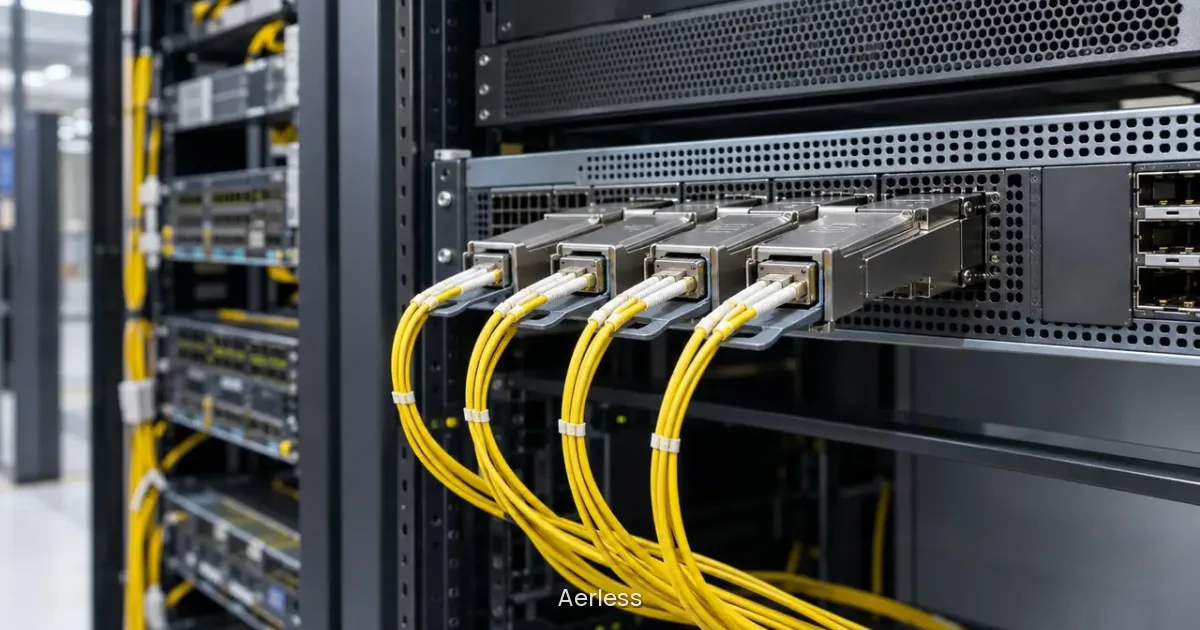
A QSFP28 port carries four 25G lanes in parallel. If the switch supports breakout mode, you can split one 100G port into four independent 25G interfaces. Install a 100G SR4 module in the QSFP28 port, connect it to an MPO to 4 × LC breakout cable, then connect each LC leg to a 25G SFP28 module at the remote end. The switch configuration enables breakout mode on that port, presenting four 25G interfaces to the operating system.
The same principle applies to QSFP+ 40G ports: one 40G port can be split into four 10G links using a 40G SR4 module and an MPO to 4 × LC breakout cable.
Aerless supplies the MPO-4LC-OM4-2M breakout cable, which connects one MPO 12-fiber connector to four duplex LC connectors over 2 m of OM4 fiber. The cable is rated for 40G, 100G, 200G and 400G applications and uses low-loss MPO connectors with insertion loss ≤0.35 dB (Elite grade). For MPO to MPO links between two routers or switches,.
Checking your requirements: a practical checklist
Before requesting a quote, gather the following information:
Port type and speed: SFP (1G), SFP+ (10G), SFP28 (25G), QSFP28 (100G), or another family.
Fiber type and grade: Multimode (OM3, OM4) or single mode (OS2). If the fiber is already installed, confirm the grade from the cable jacket or installation records.
Link distance: Measure or estimate the cable run length, including slack and patch panel jumpers. Add margin for future moves.
Host equipment: Switch or router make, model and software version. Aerless uses this information to code the module before shipping.
Operating temperature range: Specify whether the equipment is indoors (0°C to +70°C commercial) or outdoors (−40°C to +85°C industrial).
Quantity and lead time: Aerless modules are priced by quote with volume pricing. Lead time is 4 to 6 weeks from order confirmation.
Send the application, environment, quantities and any known part numbers to the Aerless team for a quote. The team will confirm compatibility, coding and lead time before the order is placed.
FAQ
Can I use any SFP module in any SFP port?
No. The port family must match the module form factor and speed: an SFP port accepts 1G SFP modules, an SFP+ port accepts 10G SFP+ modules, and an SFP28 port accepts 25G SFP28 modules. Most SFP28 ports are backward compatible with 10G SFP+ and 1G SFP modules at reduced speed, and most SFP+ ports accept 1G SFP modules. The host equipment also maintains a compatibility list, and most vendors use coding to ensure the module is tested and supported for that switch or router model and software version. Aerless modules are coded for the buyer’s switch before ordering.
What is the difference between multimode and single-mode SFP modules?
Multimode modules use 850 nm VCSEL lasers and connect to multimode fiber (OM3 or OM4) for shorter distances, typically 100 m to 400 m depending on speed and fiber grade. Single-mode modules use 1310 nm or 1550 nm DFB lasers and connect to single-mode fiber (OS2) for longer distances, from 10 km to 80 km or more. Single-mode fiber has a 9 µm core and lower attenuation, making it the choice for metro, campus backbone and long-haul links. Multimode fiber has a 50 µm or 62.5 µm core and is less expensive, so it is preferred for intra-building and short campus links.
Do I need an industrial temperature SFP module for an outdoor cabinet?
Yes, if the cabinet is not climate controlled. Commercial modules are rated 0°C to +70°C and will fail or report errors outside that range. Outdoor cell sites, utility substations, traffic cabinets and rooftop installations often see temperatures below 0°C in winter and above 70°C in summer. Industrial modules are rated −40°C to +85°C and are designed for these environments. Aerless supplies industrial-rated SFP-1G-SX-IT, SFP+-10G-SR-IT, SFP28-25G-eSR-IT and QSFP28-100G-SR4-IT modules for outdoor and harsh-environment applications.
Can a 100G QSFP28 port be split into four 25G links?
Yes, if the switch supports breakout mode. Install a 100G SR4 module such as the QSFP28-100G-SR4-IT in the QSFP28 port and connect it to an MPO to 4 × LC breakout cable such as the MPO-4LC-OM4-2M. Each LC leg connects to a 25G SFP28 module at the remote end. Configure the switch to enable breakout mode on that port, and the switch presents four independent 25G interfaces. This configuration is common in data centers where spine switches use 100G uplinks and leaf switches use 25G server connections.
What does SFP coding mean, and why does it matter?
SFP coding is a set of identification bytes programmed into the module’s EEPROM that tells the host equipment the module’s vendor, part number, capabilities and compatibility. Most enterprise and telecom switches check this coding during module insertion and will reject or disable a module that is not on the approved list. The coding ensures the vendor has tested the module with that platform and software version. Aerless modules are coded for the buyer’s switch model and software version before shipping, so the module is recognized and enabled when installed. You provide the switch make, model and software version when requesting a quote, and Aerless confirms the coding before the order is placed.
Do SFP modules support digital diagnostics monitoring (DDM)?
Most modern SFP, SFP+ and SFP28 modules support DDM (also called DOM, digital optical monitoring), which reports real-time temperature, supply voltage, transmit power, receive power and bias current over the management interface. This data helps diagnose link problems, plan maintenance and monitor optical budget. Aerless industrial modules include DDM support; the product datasheets list the specific parameters reported.
Plan the infrastructure
Working through a network requirement?
Send the application, environment, quantities and any known part numbers. The Aerless team will help translate them into a practical equipment quote.